

How to Back Up Your Photos and Files (The Right Way)
M
By Moran Sally on November 11, 2026
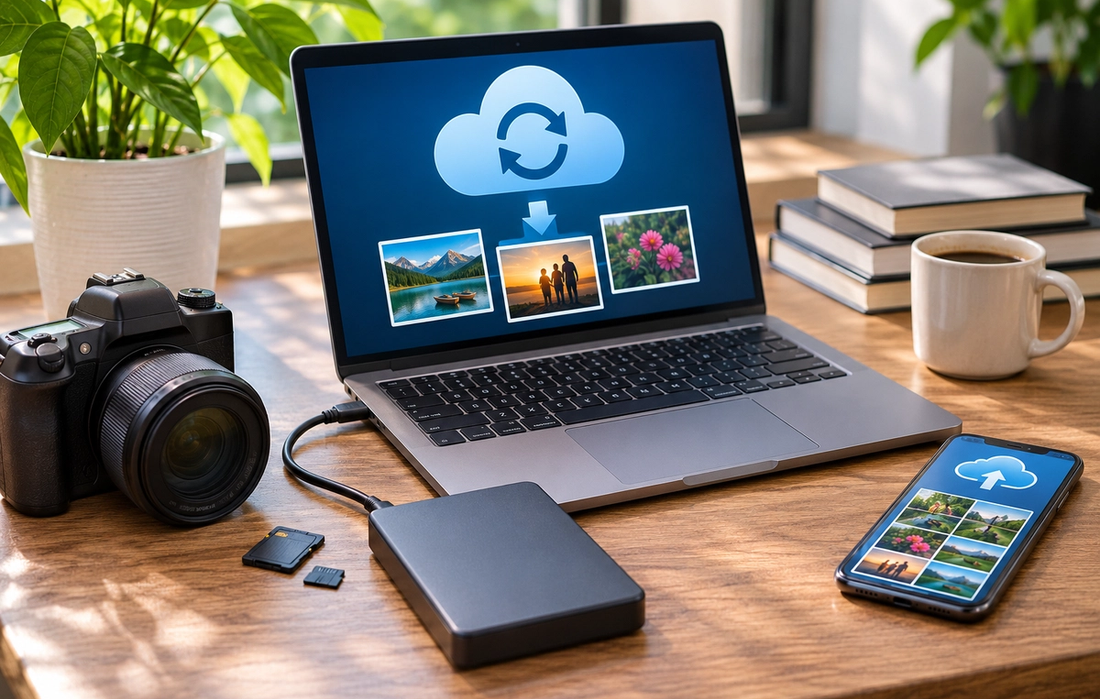
Most people don’t think seriously about backups until something disappears. A phone breaks, a laptop refuses to turn on, an account gets locked, or years of family photos vanish with one accidental deletion. The good news is that protecting your files doesn’t need to be complicated. A simple system can make losing everything dramatically less likely.
Follow the 3-2-1 Rule
A useful backup principle is the 3-2-1 rule: keep three copies of important data, store them on at least two different types or locations of storage, and keep one copy separate from your main devices. In practice, that might mean the original files on your computer, a copy on an external drive, and another copy stored with a reputable cloud service. If one fails, you still have alternatives.
Don’t Confuse Syncing With Backing Up
Cloud syncing is useful, but it isn’t always the same as having an independent backup. If you accidentally delete a synced file, that deletion may also be reflected across your devices. Some services offer version history or recovery periods, but these vary. For anything irreplaceable, such as family photos or important documents, don’t rely on a single synced folder as your entire strategy.
Automate as Much as Possible
The best backup system is one you don’t have to remember. Enable automatic photo backups on your phone and automatic backups for important folders on your computer where possible. Then create a routine for anything that still requires manual copying, such as connecting an external drive once a week or month. A sophisticated backup plan you forget to use is less useful than a simple one that runs automatically.
Protect the Backup Too
A backup isn’t much help if someone else can easily access it. Use strong, unique passwords for cloud accounts and enable multi-factor authentication. Encrypt sensitive external drives when appropriate and keep at least one backup somewhere physically separate from your main computer. This helps protect your files from theft, hardware damage, ransomware, and other problems that could affect the originals and nearby copies at the same time.
Test Before You Trust It
Seeing a “backup complete” message isn’t enough. Occasionally open a few backed-up photos and documents or test the recovery process to make sure the files are actually there and usable. Also check whether new folders and devices are still included after changing phones, computers, or storage plans.
You don’t need an elaborate archive to protect what matters. Keep multiple copies, don’t rely entirely on one device or service, automate the process, and occasionally verify that recovery works. A good backup should feel boring—which is exactly what you want until the day you actually need it.
Read More
The Shows Millennials Grew Up Watching (And Why They Still Hold Up)
Asaf Been|

The Websites That Defined the Early Internet (And Where They Went)
Roi Kad|

The Music That Shaped a Generation (And Why It Still Hits)
German Smolyar|

The Movies Every Older Millennial Can Quote Line for Line
Julian Doyle|
Why the Old Internet Feels So Nostalgic Now
Moran Sally|

The Cultural Shifts That Only Make Sense If You Were There
Drew Larson|